 24
Jan,2026
24
Jan,2026
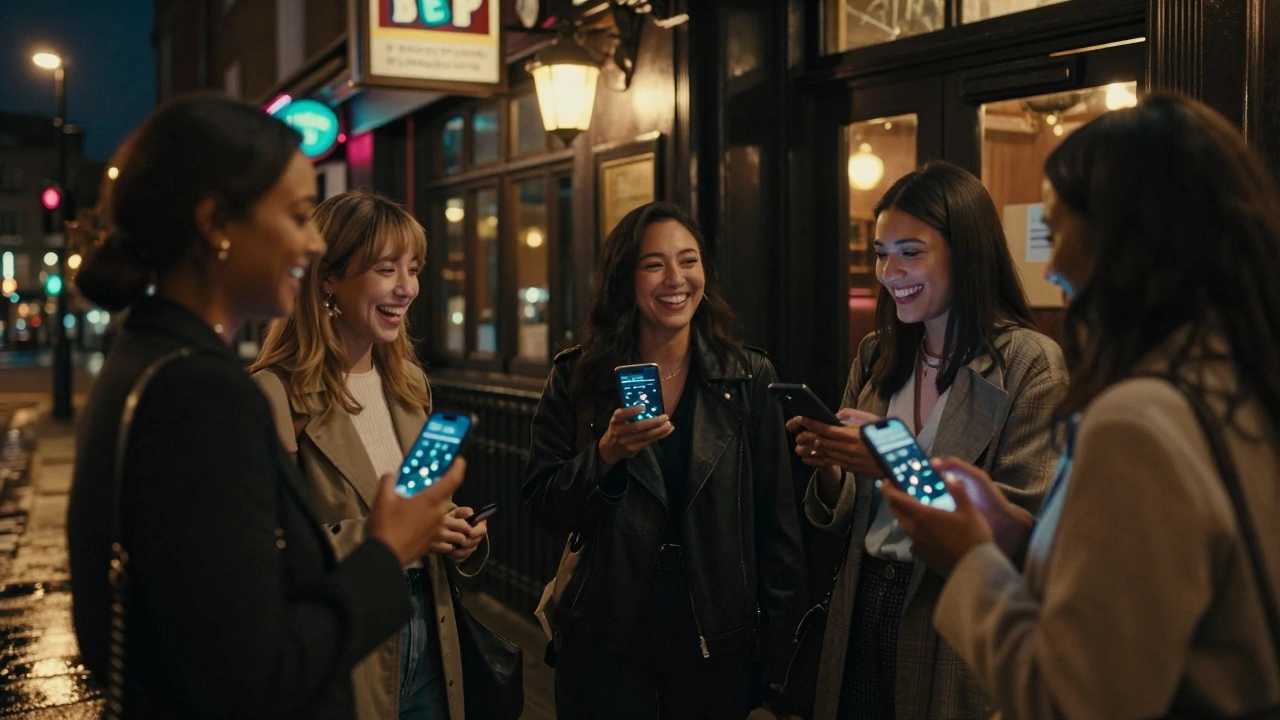
There’s nothing quite like a London girls’ night out-cocktails in Shoreditch, live music in Camden, or dancing till dawn in Soho. But between finding the right bar, catching an Uber at 2 a.m., and making sure no one gets left behind, the real secret to a smooth night isn’t the playlist or the outfit. It’s sharing your location before you even step out the door.
Why Sharing Your Location Matters More Than You Think
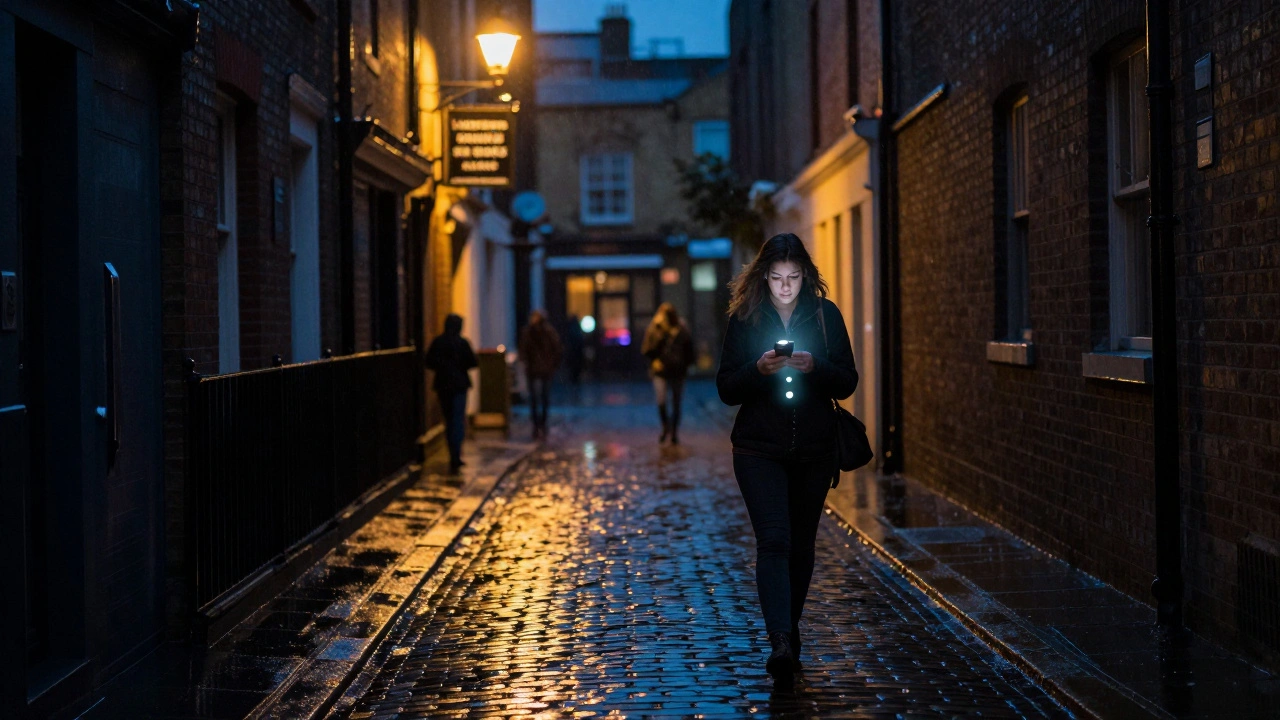
London’s streets are vibrant, but they’re also big, busy, and sometimes unpredictable. A friend might get distracted by a street performer, miss a turn in the maze of Covent Garden, or end up in a quiet alley after the last train leaves. Sharing your live location isn’t about being watched-it’s about being found if you need help.
According to a 2025 safety survey by London Women’s Network, 68% of women who shared their real-time location during a night out reported feeling more secure, and 41% said it helped friends locate them faster when they got separated. That’s not paranoia. That’s practical.
It’s not just about safety, either. Imagine texting your group: “I’m at The Blind Pig on Brick Lane,” and everyone instantly knows where you are. No more “Where are you???” messages. No more circling the block for ten minutes. Just a quick glance at your phone map, and you’re reunited.
How to Share Your Location on iPhone and Android
You don’t need a fancy app. Your phone already has the tools built in. Here’s how to use them before you head out.
iPhone Users: Use Find My
- Open the Find My app.
- Tap People at the bottom.
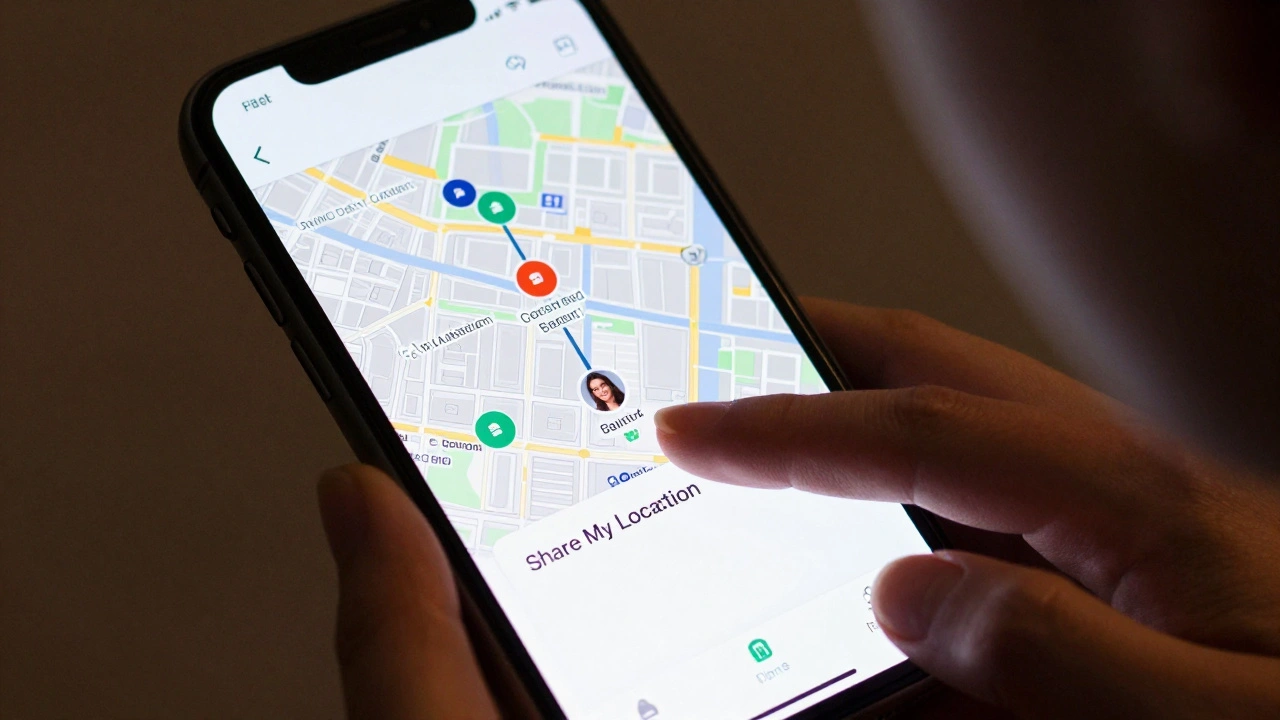
- Select Share My Location.
- Choose the friends you’re going out with.
- Set the duration: “Until I stop sharing” is best for a night out.
Once it’s on, they’ll see your location on their map in real time-even if your phone dies, the last known spot stays visible for 24 hours. Bonus: you can also tap the “Share My Location” widget on your lock screen to send it instantly with one tap.
Android Users: Use Google Maps
- Open Google Maps.
- Tap your profile picture in the top-right corner.
- Select Location Sharing.
- Tap Share Location.
- Choose your group chat contacts or create a new list.
- Set the timer: “Until you turn it off” works best.
Google Maps shows your exact spot, speed, and even if you’re walking or in a car. It updates every few seconds. If you’re in a noisy pub and can’t hear your phone, your friends can still track your movement toward the exit.
Set a Group Location Plan Before You Leave
Sharing your location is step one. Step two is agreeing on a plan.
Before you head out, gather everyone in a group chat and do this:
- Confirm the first venue and pin it in the chat.
- Agree on a backup spot if the first place is full.
- Decide on a meeting point if someone gets lost-like “If we split up, meet at the tube exit at Holborn at 1 a.m.”
- Assign someone to check in every hour with a quick “Still good?” message.
This isn’t micromanaging. It’s coordination. Think of it like a group GPS route with human backup.
What to Do If Someone Stops Updating Their Location
Let’s say your friend’s location stops moving. They’ve been at The Box Soho for 45 minutes and haven’t updated. No texts. No replies.
Don’t panic. Do this:
- Send a quick text: “Hey, just checking in. You good?”
- If no reply in 15 minutes, call them.
- If still no answer, check their last known location on the map. Is it near a quiet street? A closed pub?
- If it looks off, message the group: “I’m heading to [location]. Who’s coming?”
- Don’t go alone if you’re uncomfortable. Call a taxi and ask the driver to wait while you check.
This isn’t about suspicion. It’s about knowing your people. A lot of times, it’s just a dead battery or a bad signal. But if you wait too long, small things turn into big problems.
Don’t Forget the Backup Plan
Technology fails. Batteries die. Phones get stolen. That’s why you need a non-digital backup.
- Write down the address of your first bar and save it in your Notes app with the name “Girls Night Out.”
- Share that same address with one person who’s not in the main group-maybe your roommate or a sibling.
- Carry a small card in your wallet with your name, phone number, and the name of your group’s meeting point.
One friend in East London once lost her phone in a cab. She had a printed card with her group’s number and the name of the bar. The cab driver called it, and she was back with her crew in 20 minutes.
Make It Part of the Vibe
Sharing locations doesn’t have to feel clinical. Turn it into a ritual.
Before you leave the house, do a quick “location check-in” with a laugh: “Alright, who’s sharing? If you don’t turn it on, I’m leaving you at the Tube.”
Some groups even use fun nicknames for their shared location groups: “The Soho Squad,” “Camden Crew,” “The 2 a.m. Lifeline.” It turns safety into something you all own together.
And when the night ends? Don’t just turn it off. Say it out loud: “Location sharing off. Best night ever.” It’s a small moment of closure.
What Not to Do
There are a few common mistakes people make:
- Sharing with strangers. Only share with people you’re actually going out with. Don’t add your coworker who’s “just curious.”
- Assuming it’s always accurate. GPS can lag in underground bars or dense city blocks. Use it as a guide, not a guarantee.
- Waiting until you’re lost to turn it on. Turn it on before you leave the house. That’s when you’re most vulnerable.
- Ignoring your gut. If something feels off-even if the map looks fine-trust yourself. Call someone.
Final Tip: It’s Not Just About Location. It’s About Care.
Sharing your location isn’t a tech trick. It’s a quiet act of care. It says: “I want you to be safe. I’m not going to let you disappear.”
And when your friend says, “Hey, I’m at the bar. You still coming?” and you see their dot on the map moving toward you-it’s not just convenience. It’s connection.
So next time you’re getting ready for a London girls’ night, don’t just pick your shoes. Pick your safety. Turn on the pin. Send the link. Say it out loud. And make sure everyone’s found.
Do I need to use a special app to share my location before a girls’ night?
No. Both iPhone and Android have built-in tools-Find My and Google Maps-that let you share your live location for free. You don’t need to download anything extra. Just turn it on before you leave the house.
Can I share my location with people who don’t have iPhones or Androids?
Yes. Google Maps lets you share a link via text or WhatsApp that works on any phone-even older ones. The person doesn’t need the app. They just click the link and see your location in their browser. Find My only works between Apple users, so for mixed groups, Google Maps is the better choice.
How long should I keep location sharing on during a night out?
Keep it on from the moment you leave your house until you’re safely back home. Most apps let you set it to “until you turn it off,” which is ideal. Turning it off too early-like after dinner-means you’re vulnerable during the most unpredictable part of the night: getting home.
What if I don’t want everyone to see where I am all night?
You can pause sharing temporarily. On iPhone, go to Find My > People > tap the person > pause sharing. On Android, open Google Maps > Location Sharing > tap the person > pause. You can turn it back on when you’re ready. No one needs to know you paused-it’s your privacy.
Is sharing location safe? Could someone track me after the night?
Only the people you choose can see your location. Once you turn it off, they can’t track you anymore. Neither Apple nor Google stores your location history for others to access. The system is designed so you’re in control. If you’re worried, just double-check your settings after the night ends.